
How to Fix Interaction to Next Paint (INP) Issues on WordPress
75th percentile of real user visits (CrUX)
Requires main-thread task fragmentation
Triggers negative SEO ranking signals
Understanding the INP Lifecycle
If you want to fix the INP issue on WordPress, you must realize that Interaction to Next Paint is no longer a hidden technical metric—it is the defining factor for mobile rankings. Unlike static loading metrics, INP measures the worst interaction delay experienced across an entire visit.
The 3 Phases of Interaction Latency
Time spent waiting for the browser to begin processing event handlers.
Execution time required for JavaScript event listeners to complete.
Duration for layout recalculation, style recalculations, and repainting frames.
Optimize total WordPress revenue and performance: learn to Add Google AdSense to WordPress and check our Core Web Vitals Guide.
Diagnosing Bottlenecks: Chrome DevTools & PerformanceObserver
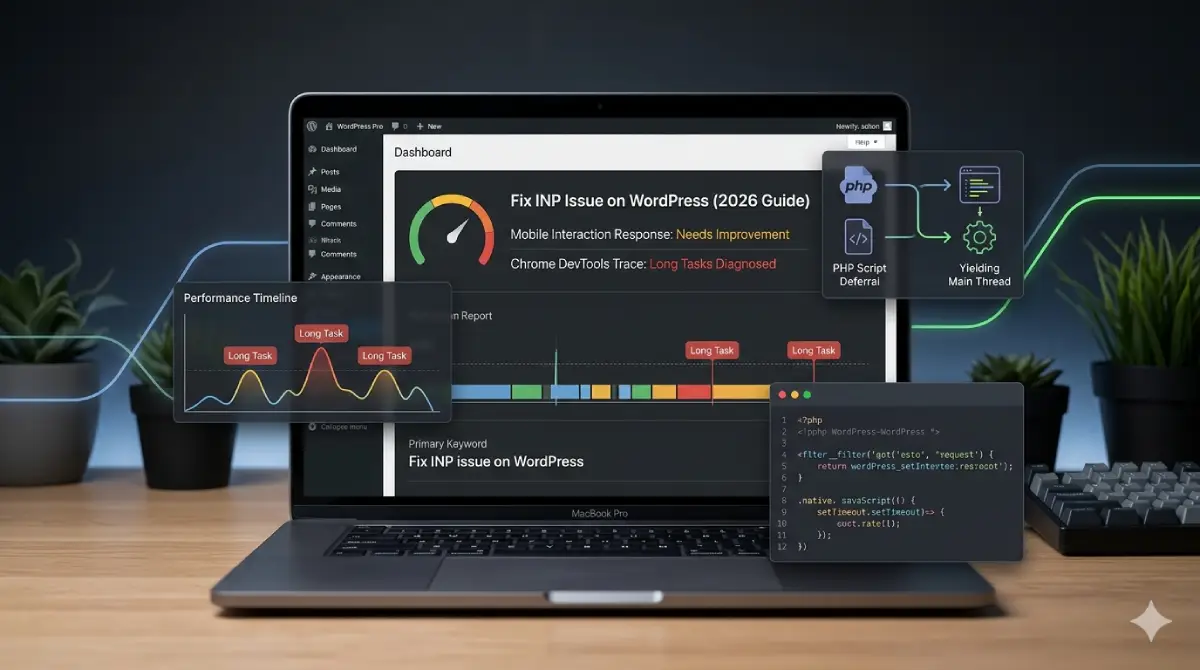
Open Chrome DevTools → Performance tab → enable the Web Vitals lane. Record while clicking buttons, opening menus, or submitting forms.
- Look for Long Tasks flagged with red corners exceeding 50ms.
- Inspect
Compile Scriptentries (V8 compilation costs). - Evaluate
Evaluate Scriptblocks to locate blocking plugin event handlers.
Real-Time Production Logging
Run this observer script to catch slow interaction targets directly in production:
const observer = new PerformanceObserver((list) => {
  for (const entry of list.getEntries()) {
    if (entry.duration > 200) {
      console.warn(`Slow interaction: ${entry.name} | Duration: ${entry.duration.toFixed(1)}ms | Target:`, entry.target);
    }
  }
});
observer.observe({ type: 'event', buffered: true, durationThreshold: 50 });
Surgical Script Deferral via PHP Filter
Monolithic caching plugins often minify scripts without addressing execution timing. Use WordPress's native script_loader_tag hook in your child theme's functions.php to selectively defer handles:
<?php
/**
 * Surgically apply defer/async to specific script handles.
 * Never defer: jquery, jquery-migrate, or handles with registered inline dependents.
 */
function my_defer_async_scripts( $tag, $handle, $src ) {
    $defer_handles = [
        'slick-carousel',
        'contact-form-7',
        'google-recaptcha',
        'wp-embed',
    ];

    $async_handles = [
        'google-analytics',
        'hotjar-tracking',
    ];

    if ( in_array( $handle, $defer_handles, true ) ) {
        return '<script defer src="' . esc_url( $src ) . '"></script>' . "
";
    }

    if ( in_array( $handle, $async_handles, true ) ) {
        return '<script async src="' . esc_url( $src ) . '"></script>' . "
";
    }

    return $tag;
}
add_filter( 'script_loader_tag', 'my_defer_async_scripts', 10, 3 );
Main-Thread Yielding with Scheduler API
Break execution loops into micro-chunks so the browser can interrupt long-running initializers to render user inputs immediately:
async function runHeavyInit(tasks) {
    for (const task of tasks) {
        task(); // Execute one unit of work

        // Yield: hand control back to browser between each task
        await new Promise(resolve =>
            'scheduler' in window
                ? scheduler.yield().then(resolve)
                : setTimeout(resolve, 0)
        );
    }
}

// Usage: pass an array of initialization functions
runHeavyInit([initSlider, initForms, initTracking]);
Task Fragmentation on DOMContentLoaded
Use requestIdleCallback to convert wide Long Animation Frames into sub-50ms tasks:
const inits = [initSlider, initForms, initPixel];

function runNext(queue) {
    if (!queue.length) return;
    requestIdleCallback(() => {
        queue.shift()();
        runNext(queue);
    }, { timeout: 2000 });
}

document.addEventListener('DOMContentLoaded', () => runNext([...inits]));
Cache Plugin Optimization Matrix
Apply these recommended settings inside LiteSpeed Cache, WP Rocket, or Perfmatters:
| Feature | Setting | INP Impact | Technical Justification |
|---|---|---|---|
| JavaScript Combining | TURN OFF | Destructive | Creates monolithic bundles that force huge Compile & Evaluate Script Long Tasks, blocking the main thread. |
| JavaScript Deferral / Delay | TURN ON | High Positive | Pushes non-critical execution past First Input, keeping main thread idle before plugin JS competes. |
| DOM Node Minimization | ENABLE | High Positive | Fewer DOM nodes cut style-recalculation cost on every interaction, lowering presentation delay. |
Watch Core Web Vitals Tutorials
Subscribe to ByteScript MZA on YouTube for live performance audits.
Frequently Asked Questions
Clear answers to common questions about this topic.
Need Help Passing INP & Core Web Vitals?
Let's audit your main thread, refactor heavy scripts, and optimize your WordPress architecture for green scores.

Muhammad Zubair Abid
Full-Stack Developer & Founder of Gadget Crunchie. Expert in SEO, Web Performance, and Tech Reviews.